You and the couple. Same event.
No WhatsApp, no chaos.
Give the couple a shared space where they arrange guests, choose menus, and build the evening program together with you. You coordinate everything — without WhatsApp and without Excel.
We've coordinated over 2,000 weddings and managed over 50,000 guests on the platform. We've seen exactly what creates chaos between planners and couples — and we built the solution.
Sound familiar?
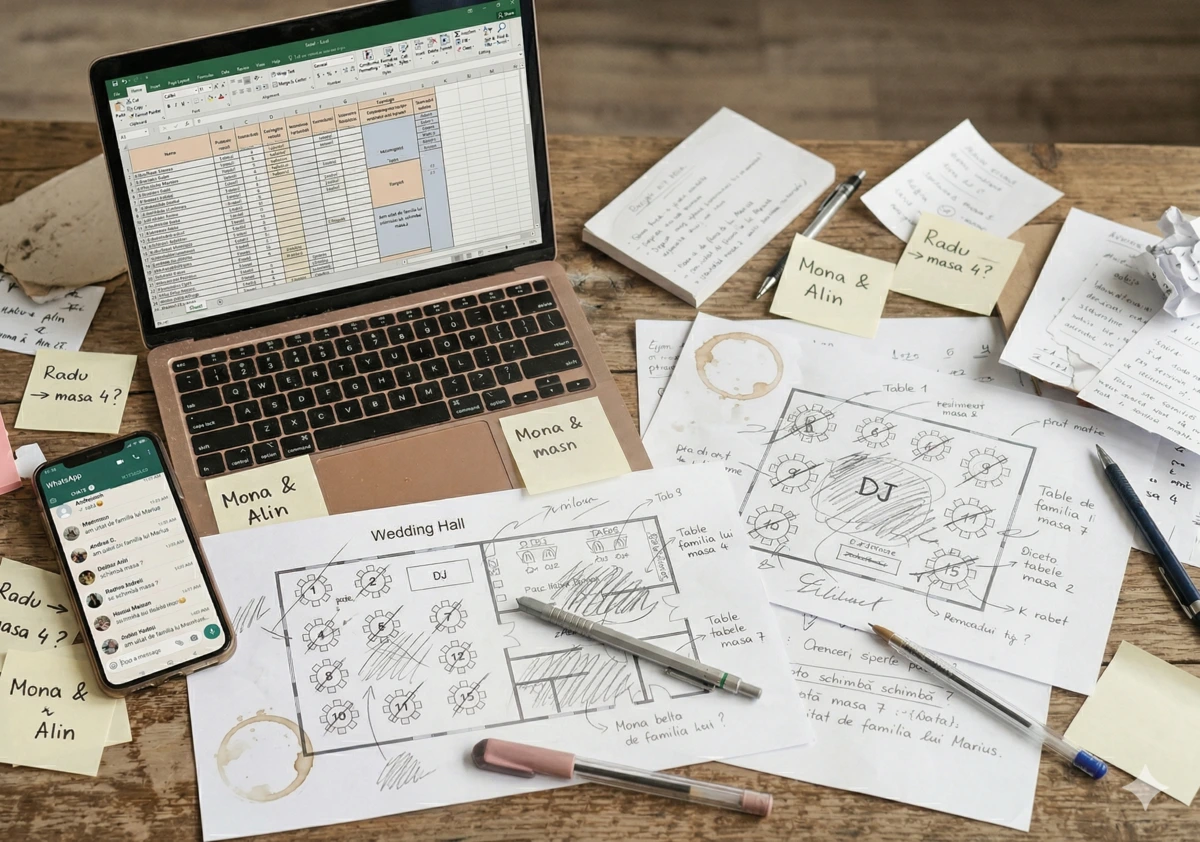
WhatsApp groups with couples
"We moved a few guests around." "Can you add this family?" Dozens of messages a day, zero final version.
Files you can never find
Guest list in Excel, seating chart on paper, menus in another document. Every wedding, you build everything from scratch.
Changes that don't reach everyone
The couple moved 3 guests. You already sent the report to the venue. And nobody knows which version is correct.
Menu report — assembled by hand
How many standard, vegetarian, children's menus — per table. You tally from multiple sources by hand. And at the end you still double-check.
What if you had one single place to work with couples?
Everyone works together. You stay in control.
One shared event for you and your couple — everyone contributes, you coordinate, and the venue receives everything ready.
You and the couple — on the same event.
Couples add guests and arrange seating, you review and coordinate. The couple can also invite other collaborators — parents, best man, whoever they want. Everything updates instantly on everyone's screen.
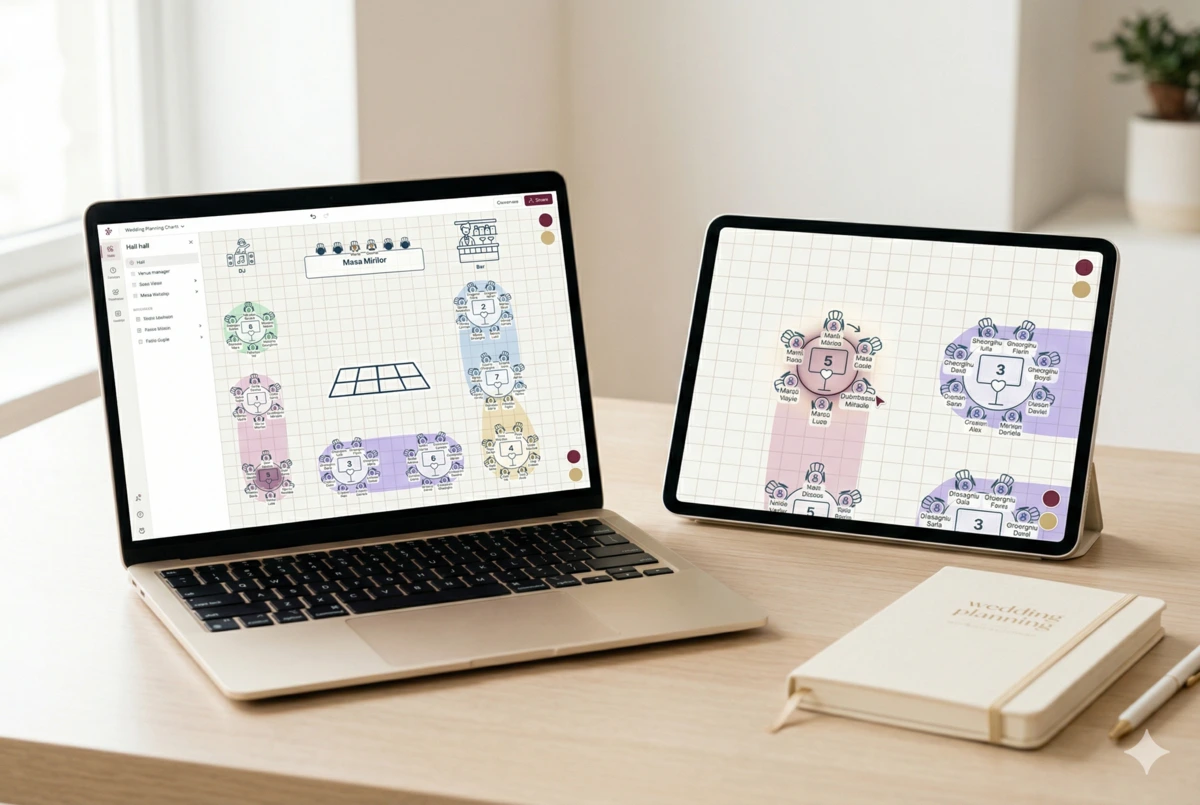
You draw the venue, couples arrange guests
Place tables on the map according to the venue layout you received. Add the dance floor, bar, candy bar. Couples get the real venue, not a spreadsheet — and arrange guests with drag and drop.
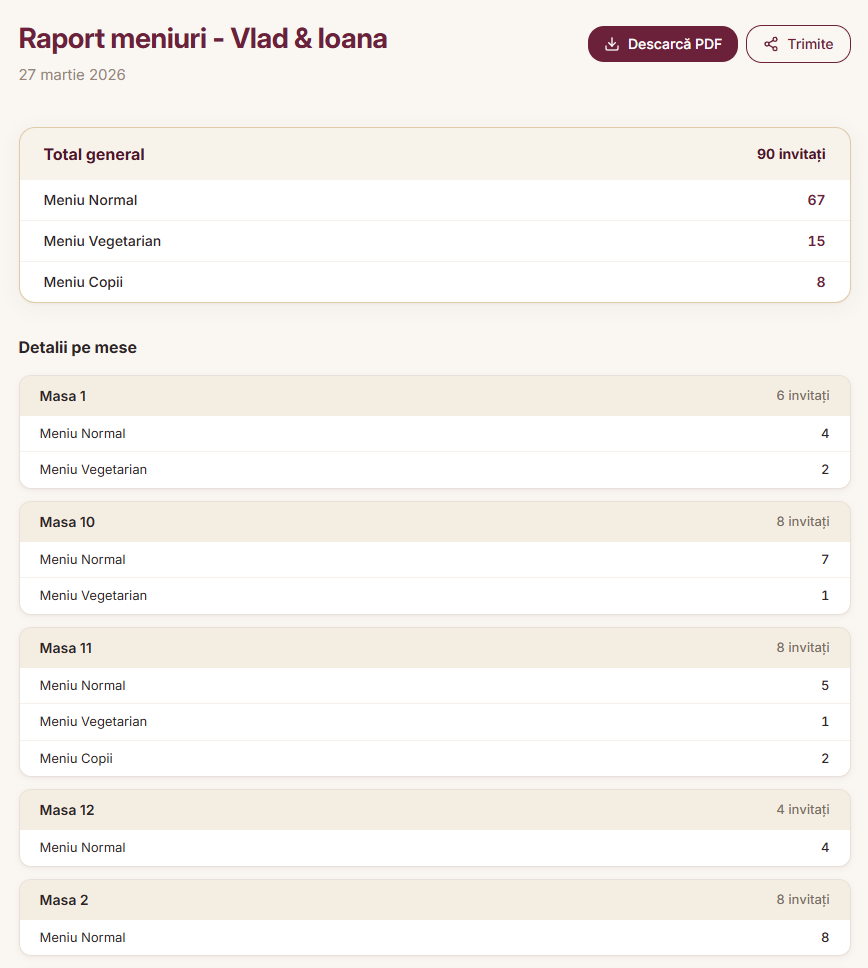
Menu report, ready to send to the venue
How many standard, vegetarian, children's menus — per table. It generates itself, updates with every change. Download it and send it to the venue in one click.
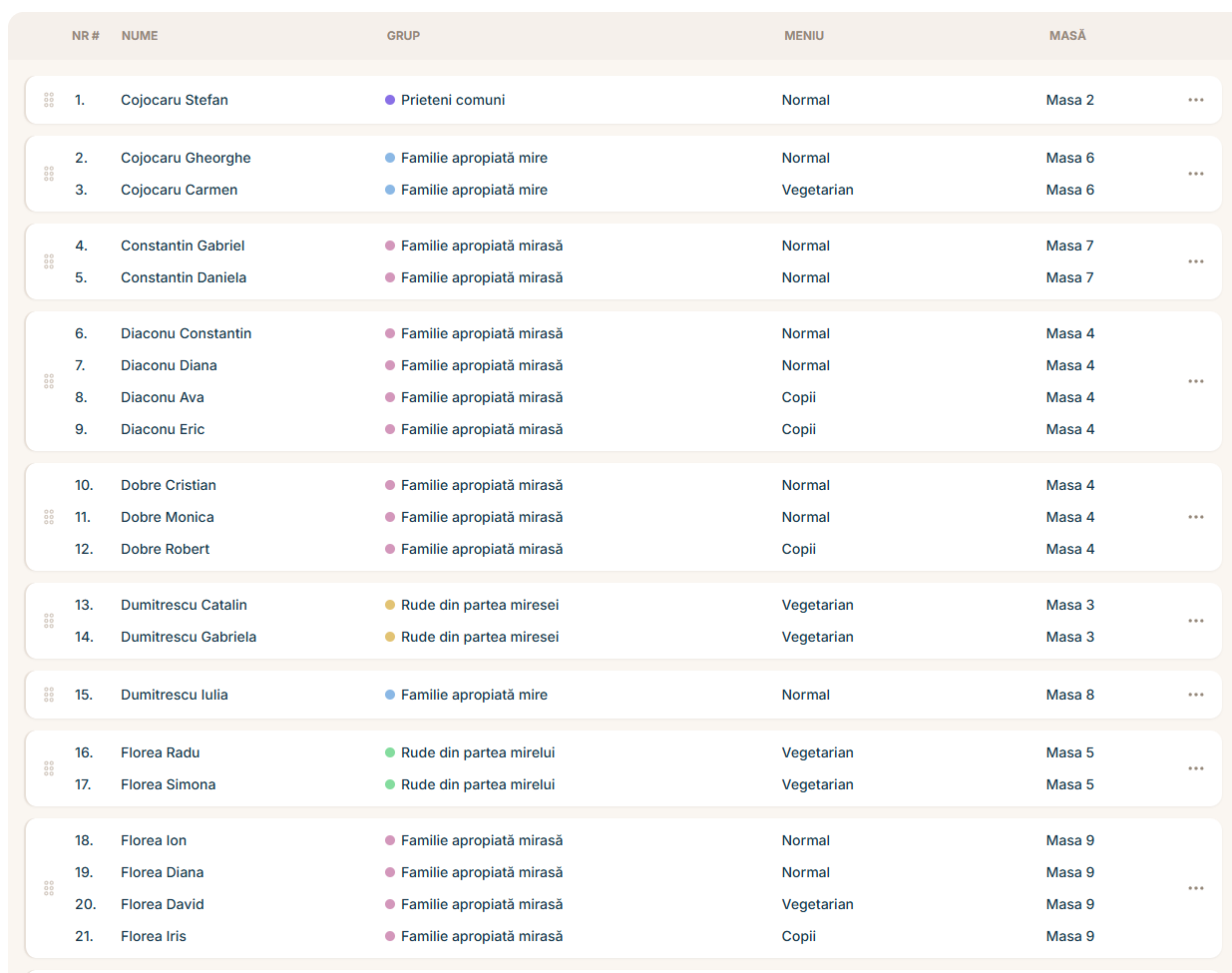
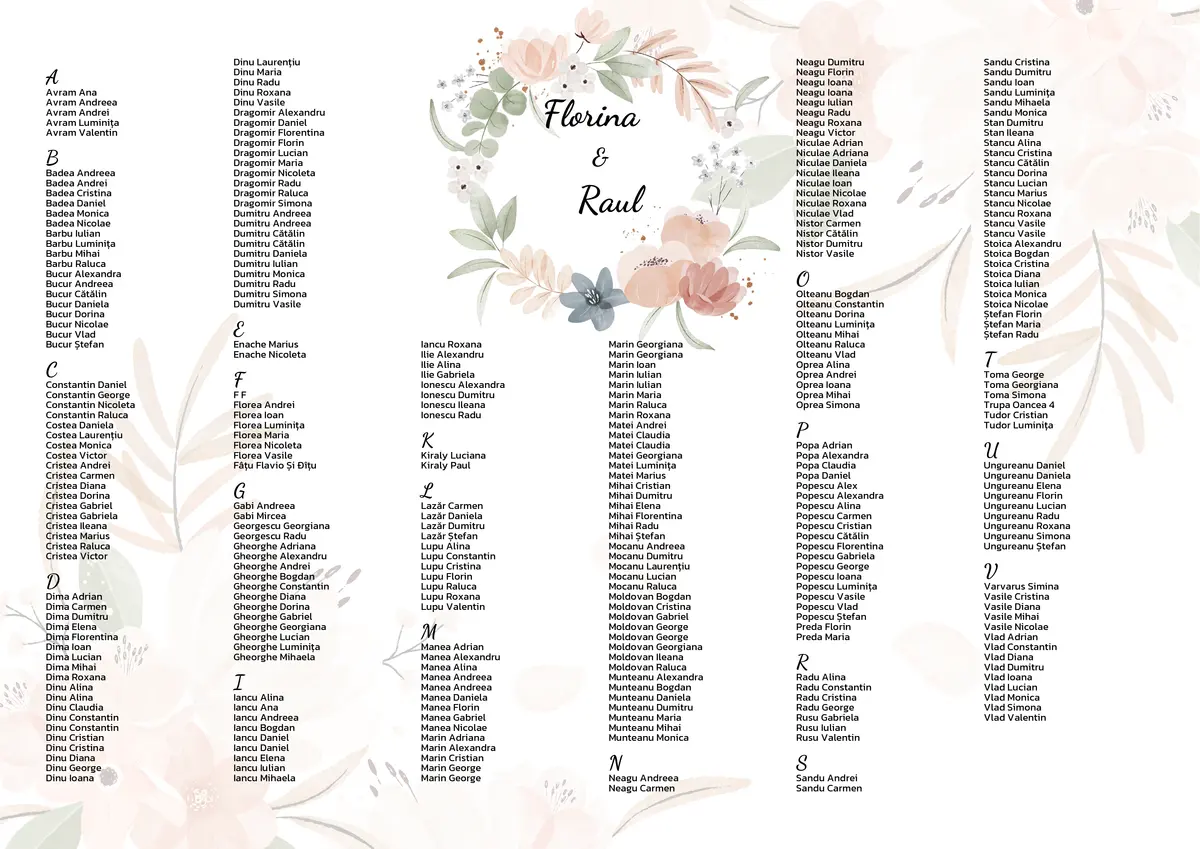
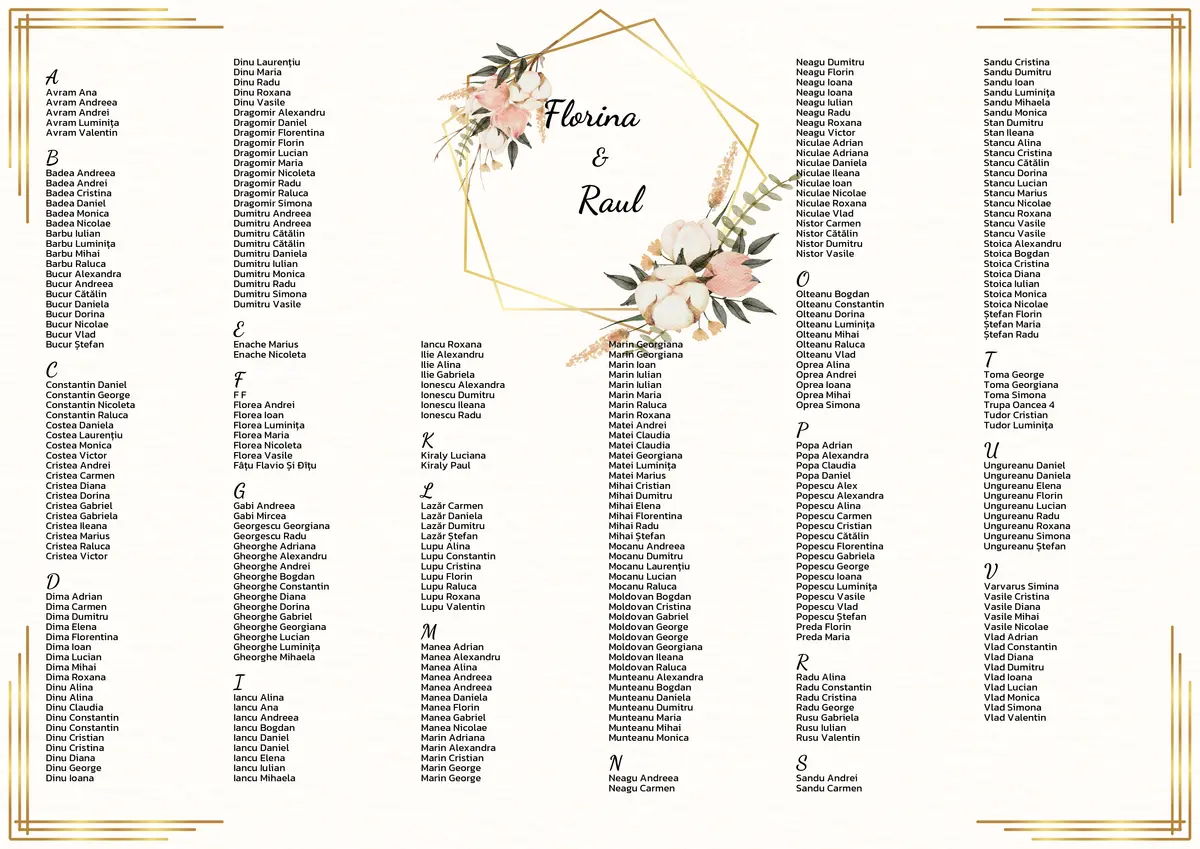
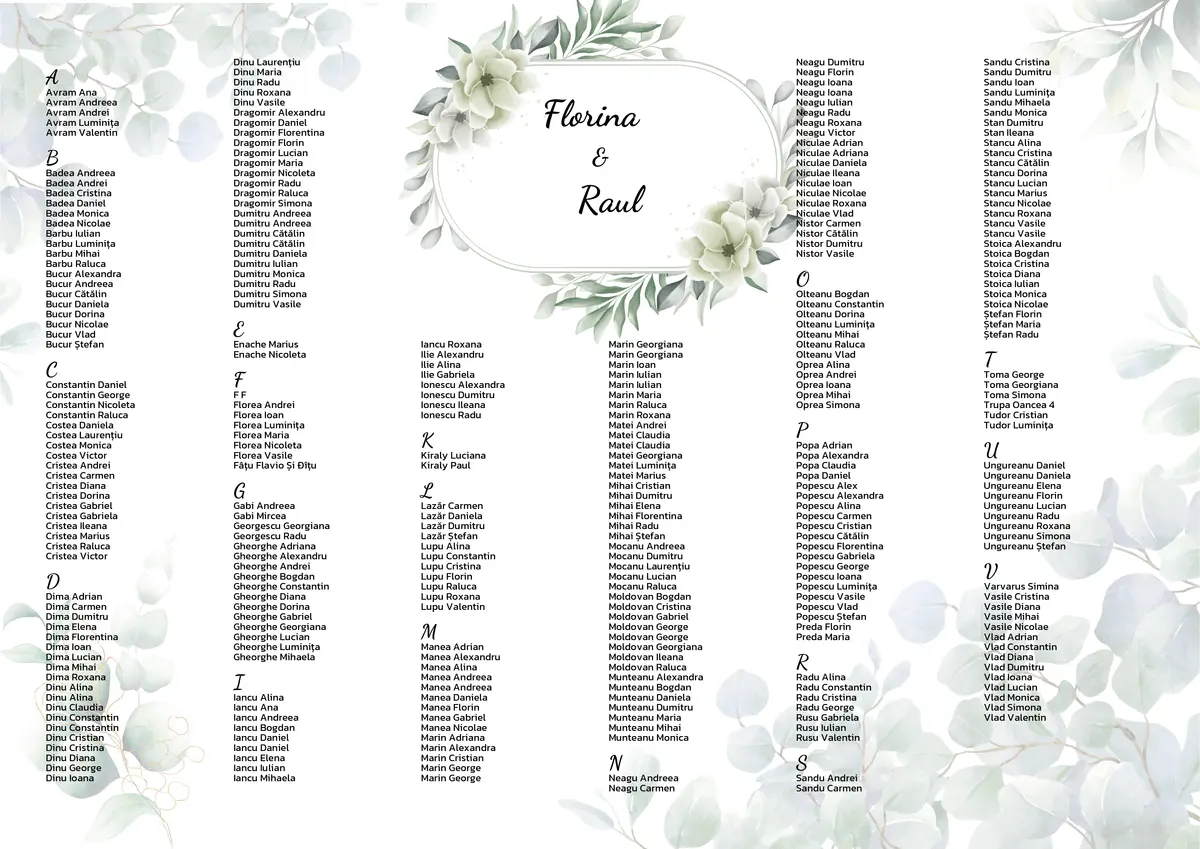
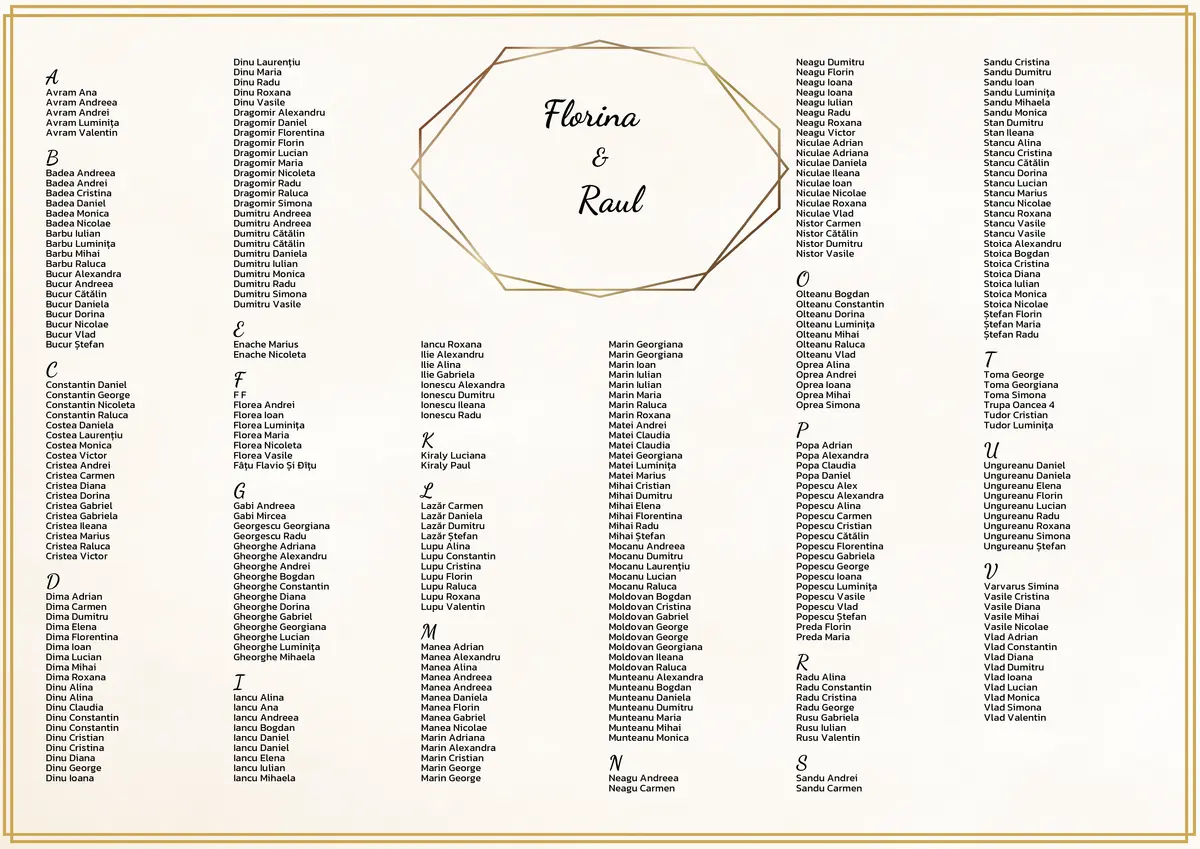
A3 seating chart, professional and customized
Couples choose a background template or upload their own design. The seating chart generates instantly in A3 format — ready to print and display at the venue entrance. You deliver a professional document, not a photo of a table.
Guests find their seat on their own
Generate a short link or a QR code. Guests scan it with their phone, search their name, and see exactly which table they're at. No account, no app. Your event looks impeccable from the very first moment.
Couple defines groups, platform proposes the arrangement
Couples create groups — bride's family, groom's colleagues, mutual friends — and receive a complete seating arrangement generated automatically. They adjust as they like, with drag and drop. You gave them a tool that saved them hours of stress.
You propose the structure. Couples personalize it.
Create a typical program — the cake, the first dance, the bouquet toss — and apply it to the event. Couples add what matters to them: a family tradition, a surprise moment. The final schedule downloads as a PDF or can be viewed anytime.
Cocktail and guest reception
Lounge area with drinks and appetizers
Grand entrance and first dance
Dinner service
Main course — 3 courses
Cake cutting
Bouquet toss
Party and open dancing
DJ set + interactive games
Surprise moment
Special moment prepared by the godparents
You decide who can change what
Couples add guests and arrange seating. Other collaborators can have access only to the list. Nobody moves your tables or changes the layout — unless you allow it. And you can lock everything automatically a few days before the wedding.
Couples feel it. Venues see results.
Not just a well-organized wedding. A professional experience that earns you referrals — from couples and from the venues you work with.

Simple for the couple
Seating is one of the most stressful things before a wedding. You give them a clear space to collaborate easily — no Excel shared on WhatsApp, no confusion.

Venue-ready, every time
Per-table menu report, printed seating chart, evening program — updated automatically. The venue receives professional documents, not messages saying "here, I changed something."
Weddings recommend you
Guests arrive and everything works. The couple felt they had a partner, not just a vendor. And the venue knows that when they work with you, everything arrives on time and up to standard.
How does it work?
Set up the venue map
Draw the venue layout with tables and decorative elements — exactly according to the configuration received from the venue.
Create the event
Couple's names, wedding date, venue map, evening program — you have a complete event in under a minute.
Invite the couple to collaborate
Couples receive a link, create an account, and start adding guests. They can also invite other collaborators — parents, best man — each with the right permissions.
Coordinate from the dashboard
See all your weddings in one place: how many guests, how many seated, what's still to do. For every event.
Deliver everything to the venue
The seating PDF, the menu report, the QR code for guests. All generated automatically, ready to send.
Everything you need. For every wedding.
Multiple weddings at once
Your dashboard with all events — see the progress of each wedding at a glance.
Permissions per collaborator
Couples arrange guests, other collaborators fill in the list. You decide who can change what.
Automatic lock
A few days before the wedding, changes lock automatically. No last-minute surprises.
Menu report
How many menus of each type, per table. Ready to send to the venue's kitchen.
Venue templates
Save the venue layout and reuse it — no need to redraw from scratch for each wedding.
Full team collaboration
Invite the couple to the event, and they can add as many collaborators as they want. Each with their own account and access level.
Evening program
The full wedding schedule, personalized by the couple. Save the structure as a template.
Import from Excel
Couples upload their guest list directly from Excel. Families are detected automatically.
Use it for free. Seriously.
We're just getting started and we need your feedback. In return, you get full access — no limit on weddings, no surprises.
Everything you see on this page
Every feature, no restrictions.
- Unlimited weddings
- Unlimited guests
- Collaboration with the couple
- Auto-arrangement
- Professional PDFs
- Event program
- QR link for guests
After launch, planners who helped us with feedback will get the best price. Guaranteed.
Frequently asked questions
Does the couple need an account?
Can the couple add other collaborators?
How do I deliver reports to the venue?
What do guests see at the wedding?
Can I manage multiple weddings at once?
Does it work on mobile?
Is the couple's data safe?
What happens after the free period?
Want to see how it works with a real wedding?
Fill in the form and we'll reach out for a free 10-minute demo — no commitment.