Plan your wedding seating.
Without the stress.
What used to be sleepless nights and sticky notes on a kitchen table becomes a simple, visual project you do together. Drag and drop, smart groups, automatic arrangement.
Across 2,000+ weddings on our previous Romanian platform, we saw exactly what creates seating-day stress. Gala Seating is what we built to eliminate it.
Sound familiar?
Sticky notes that never settle
You write names on scraps of paper, shuffle them around, lose count. And the whole thing starts over with every change.
Bride's side next to groom's side?
Who sits with whom, at which table, who doesn't get along, who needs to be near the front. You're balancing relationships, not just chairs.
Changes that break everything
One extra confirmation, one cancellation, one family that brings two more guests. And you re-do half the tables. Again.
Counting menus from WhatsApp threads
How many vegetarians? How many kids' meals? Who had the allergy? You piece it together from three different chats and still feel unsure.
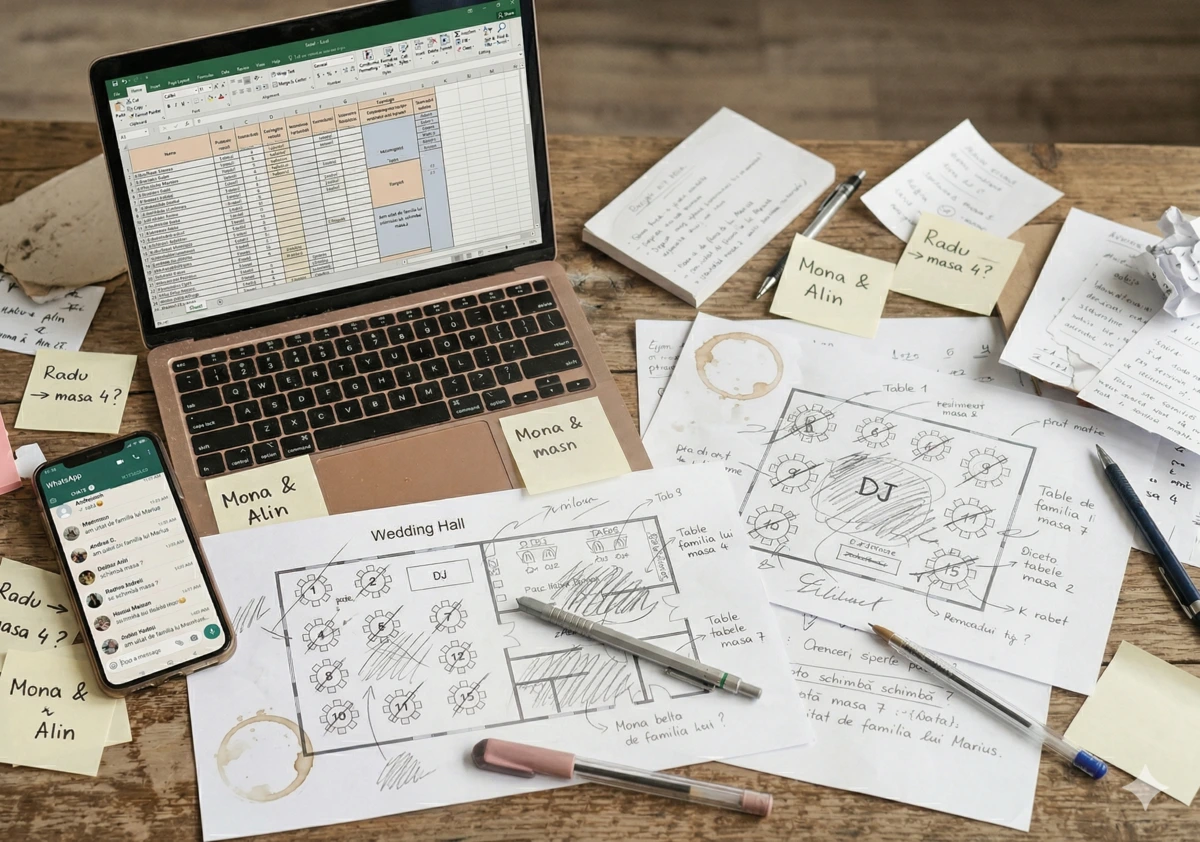
What if all that stress just disappeared?
From stress to arrangement. In a few clicks.
A visual tool that turns seating arrangement into a project you do together, over a cup of coffee.
Everything in one place. On any screen.
No more sticky notes, Excel, and paper scraps. Work from laptop, tablet, or phone — both of you see the same event, always up to date. Every change shows instantly.
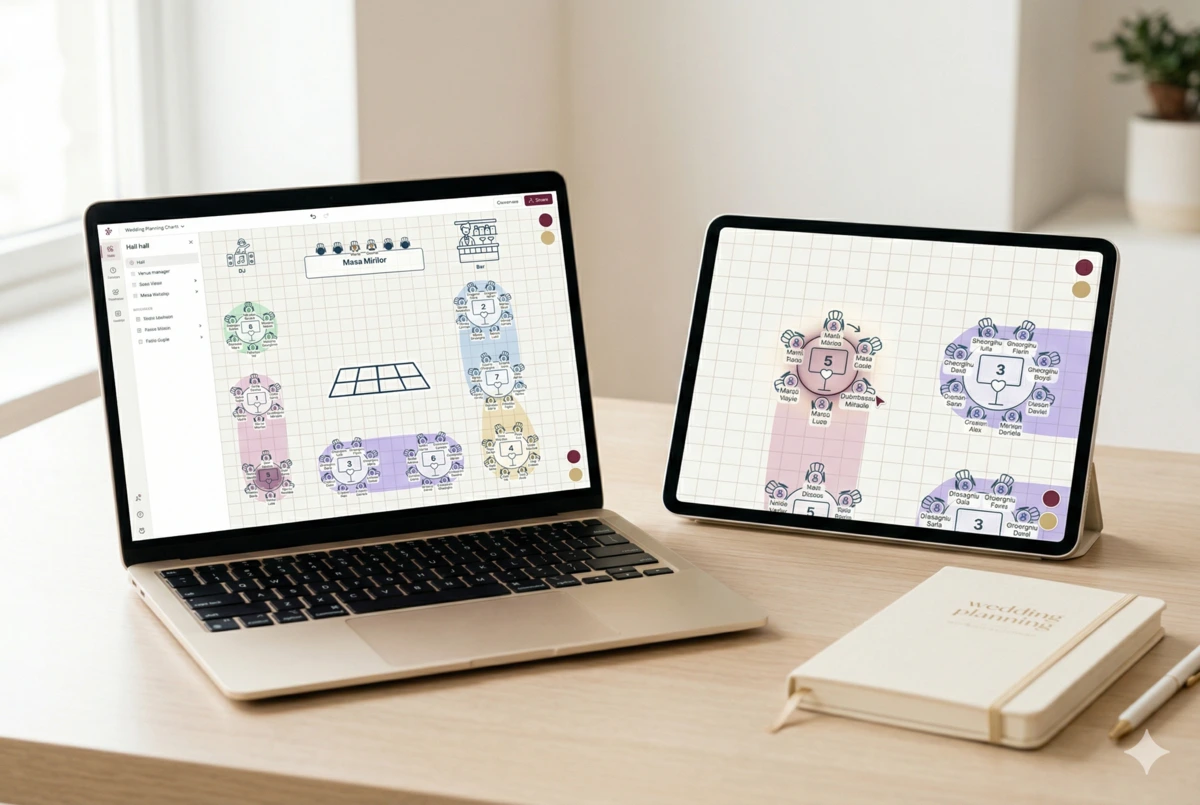
Draw your venue, arrange guests with your mouse
Place tables on the map exactly like the hall — round, rectangular, the main table. Add the dance floor, the bar, the candy bar. Then drag guests to tables. Simple as a game.
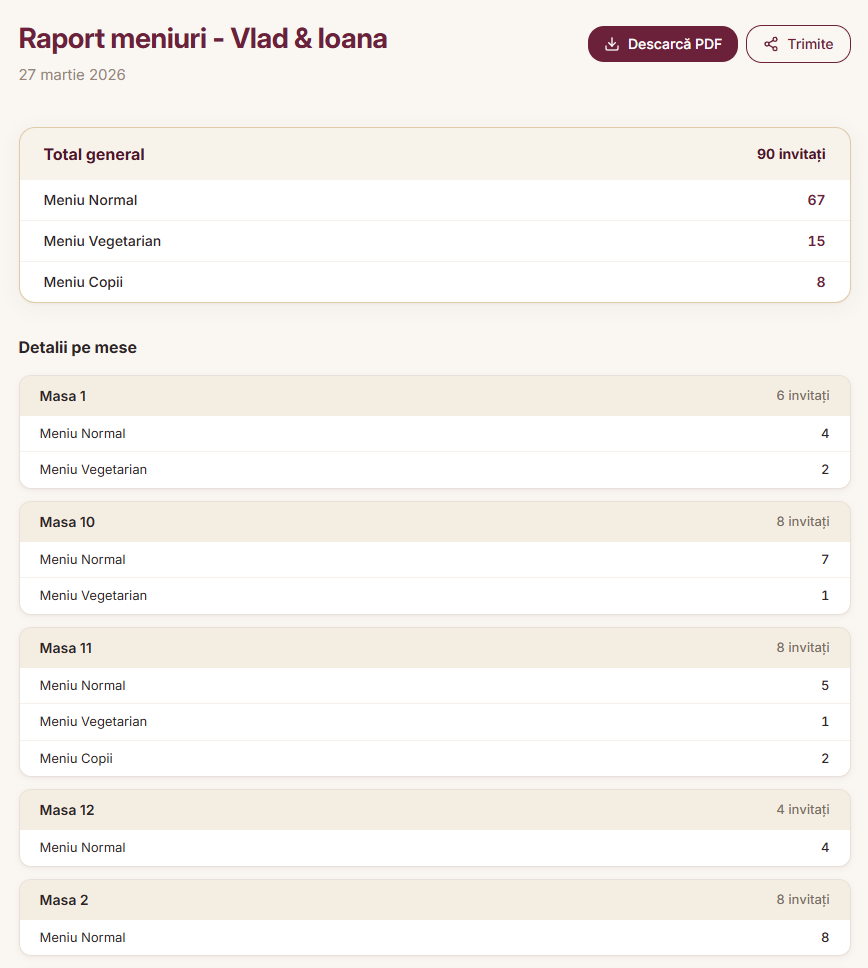
Menu report, ready automatically
How many standard menus, vegetarians, kids' meals — per table. It generates itself, updates on every change. You don't count anything — you send it straight to the venue.
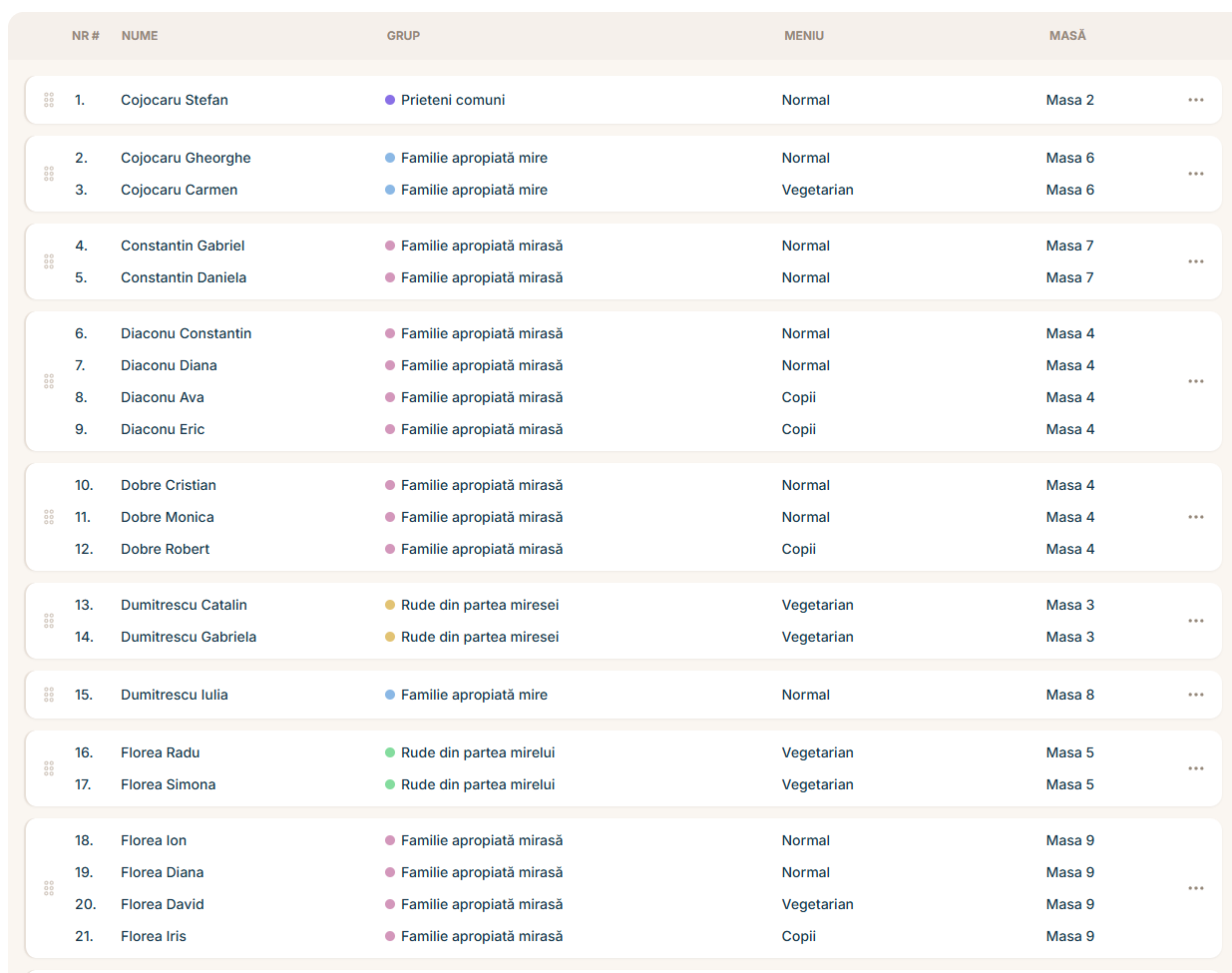
Large-format chart or individual escort cards
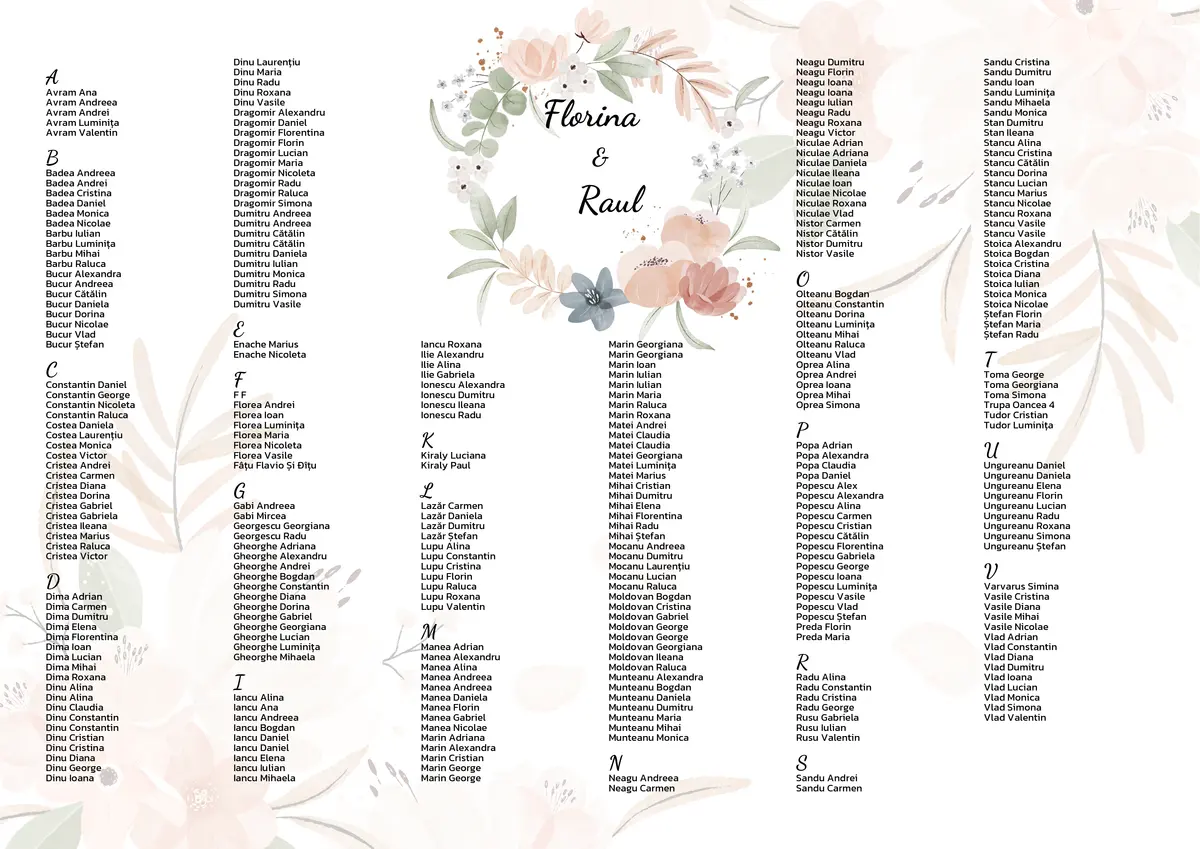
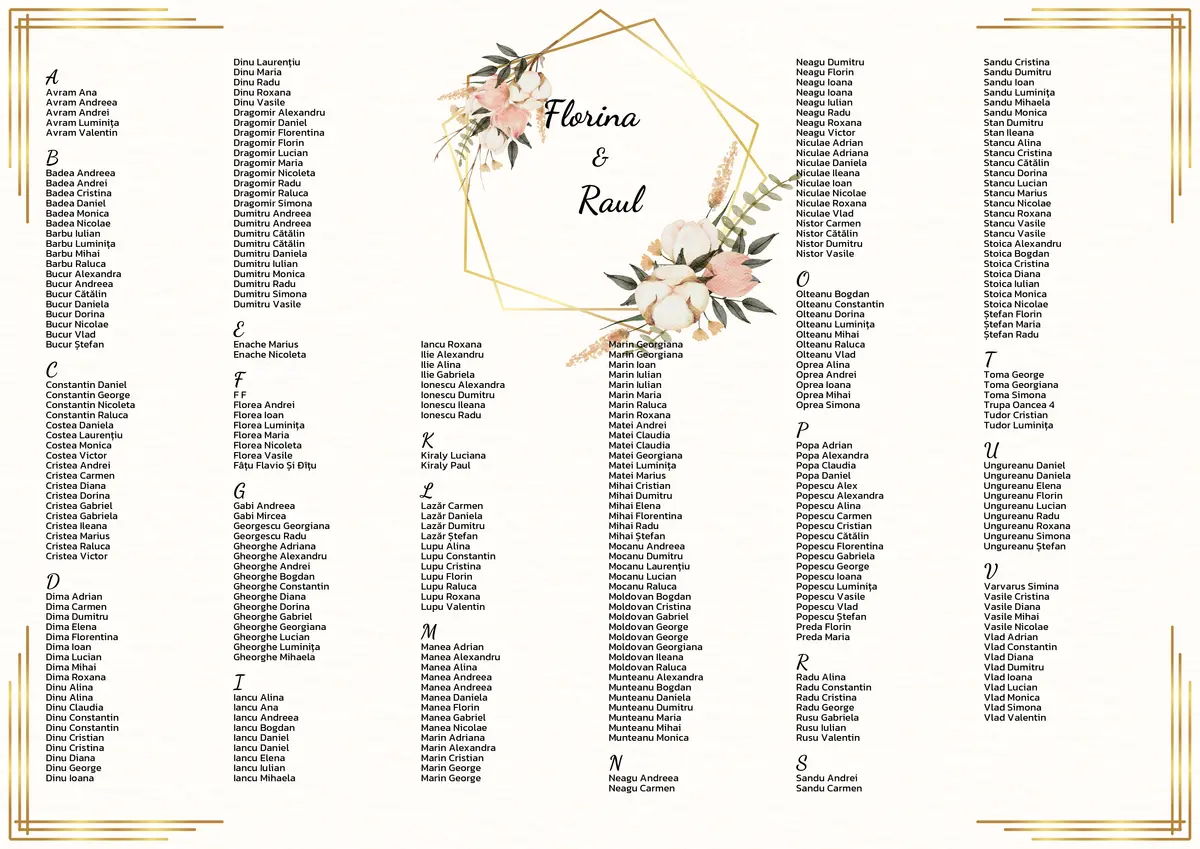
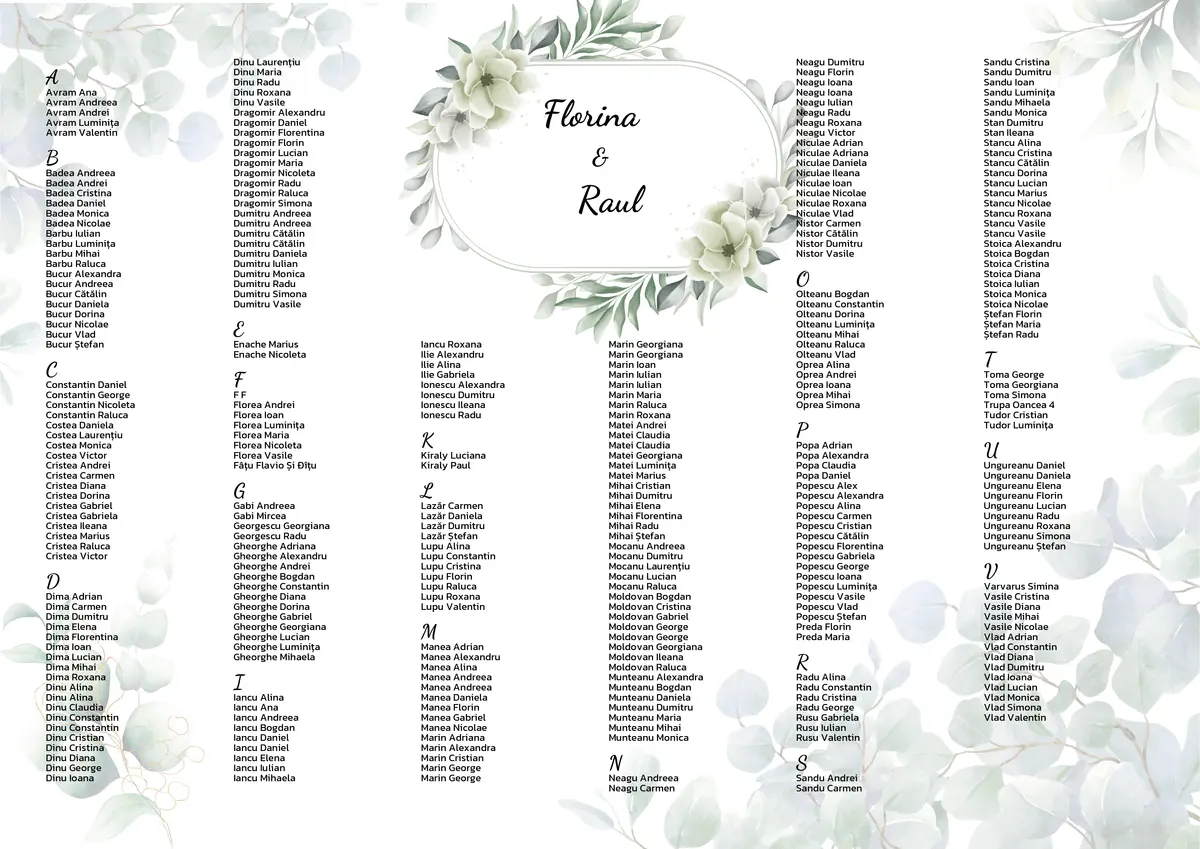
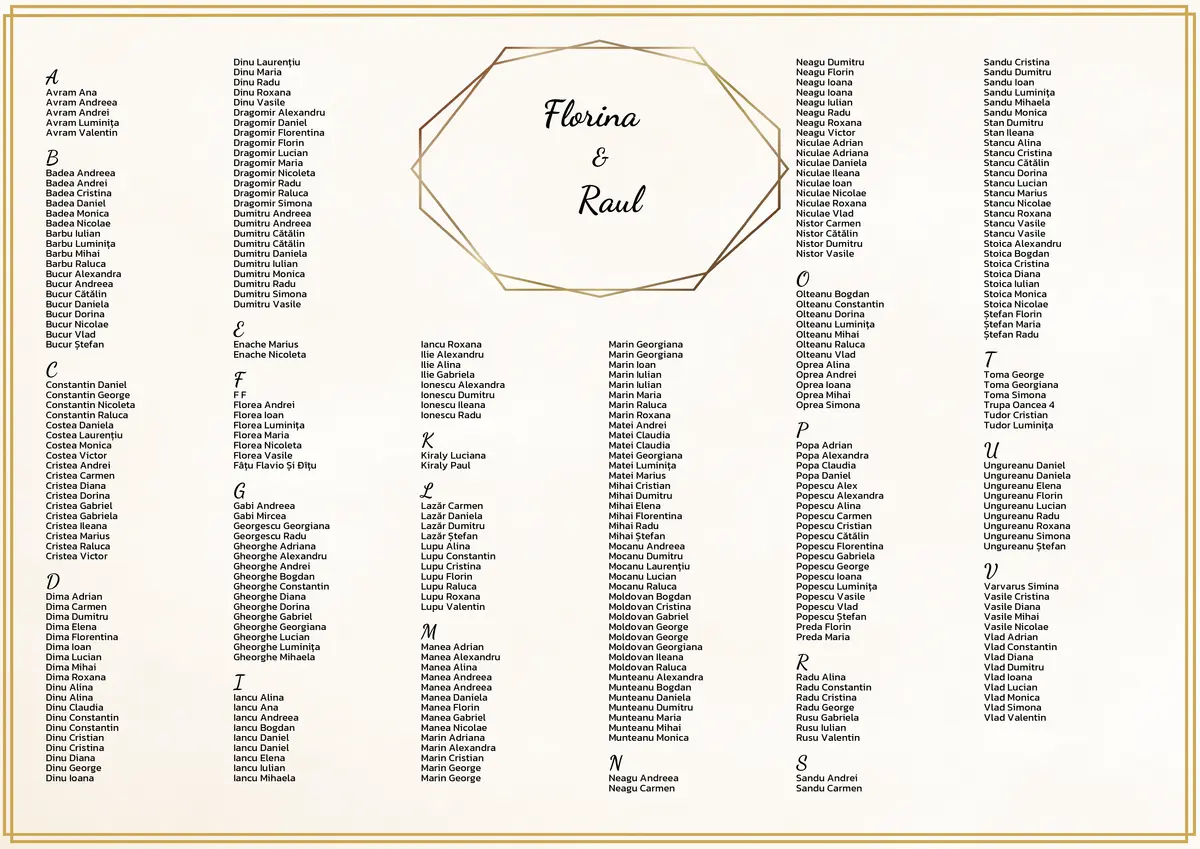
Pick a background template or upload your own design. Generates instantly as a large-format PDF (A3 / 11×17) for the entrance — or print individual escort cards for each setting. Your tradition, your choice.
Guests find their seats themselves
Generate a short link or a QR code. Guests scan it with their phone, search their name, and see exactly which table they're at. No app, no account — works instantly.
Define the groups. Get the arrangement.
Create groups — bride's family, groom's colleagues, common friends — and the platform proposes a complete arrangement that respects the links between guests. Adjust whatever you want with drag and drop.
Build your wedding timeline together
The cake, the first dance, the bouquet toss — and the moments that matter only to you: a family tradition, a surprise for the godparents. The program downloads as a PDF or stays accessible anytime.
Cocktail hour and guest arrival
Lounge area with drinks and appetizers
Couple's entrance and first dance
Dinner service
Main course — 3 dishes
Cake cutting
Bouquet toss
Party and free dancing
DJ set + interactive games
Surprise moment
Moment prepared by godparents
Invite parents, your wedding party — each with the right access
Add anyone who can help you to the event — parents, your maid of honor and best man, close family or friends. Each gets their own account. You decide who can add guests, who can move tables, and who only views.
Guests feel the difference. You stay relaxed.
Not just an organized wedding. An experience where everything works — from the first guest to the last dance.

One less worry
Seating arrangement is one of the most stressful things before a wedding. With a visual tool and automatic arrangement, it becomes a project you enjoy doing.

Guests are impressed
They arrive at the hall, scan the QR code, find their table instantly. They see a professionally printed arrangement at the entrance. Everything shows you've thought through every detail.

Changes don't break anything
An extra confirmation? A last-minute cancellation? Move a guest with drag and drop and everything recalculates — menus, PDF, guest list. No panic.
How does it work?
Add your guests
Singles, couples, or whole families. Import from Excel or add manually. Families stay together automatically.
Create groups
Bride's family, groom's colleagues, common friends. Each group gets a color and a priority — the platform knows who needs to be close.
Draw the hall
Place tables on the map — round, rectangular, the main table. Add the dance floor, the bar. Exactly like your venue.
Automatic arrangement
One click and you get a complete arrangement that respects groups and families. Adjust whatever you want, with drag and drop.
Print and display
A large-format PDF (A3 / 11×17) or individual escort cards. QR code for guests. Menu report for the kitchen. Everything ready, automatically.
Everything you need. For your wedding.
Families and couples
Add guests as families — they stay together automatically. Couples too.
Groups on the map
Each group gets its own color. One glance at the venue map and you see exactly who sits with whom.
Excel import
Have your list in Excel? Upload it directly. Families are detected automatically.
Menu report
How many menus of each type, at each table. Ready to send to the venue.
Large-format chart & escort cards
Professional print-ready PDF (A3 / 11×17) for the entrance — or individual escort cards. Custom background or your own design.
QR code for guests
A short link or QR code. Guests scan and find their table instantly.
Evening program
Build the wedding timeline — with times, activities, and special moments.
Collaboration
Invite parents, your wedding party, the planner. Each with their own account and access.
One-time payment. Use it as long as you need.
Try it free with up to 30 guests — every feature, no card, no time limit. When you're ready for the real day, activate Premium with a single payment. And that's the last time you'll pay for it.
Premium
All-access. No subscription. No renewals.
- Unlimited guests
- Every feature: large-format PDF, escort cards, QR code, menu report, timeline, auto-arrangement
- Collaborate with parents, wedding party, planner
- Real-time updates, on every device
- All future updates, included
Free up to 30 guests
No card, no time limit. Try every feature before you decide.
One $29 payment
No subscription, no renewals, no hidden fees. Ever.
As long as you need it
Every future update included, on us. Take all the time you need — your wedding is in safe hands.
Frequently asked questions
How easy is it if I'm not tech-savvy?
How does automatic arrangement work?
What happens with last-minute changes?
Can we work on the same event together?
What do wedding guests see?
Does it work on mobile?
Is our data safe?
How much does it cost?

Ready for a stress-free arrangement?
Create your free account and start arranging guests at tables. No obligations, no time limit.
Sign up free